Federal Storm Data, Made Simple

Prove the storm happened.

When there's no proof a storm hit, claims get denied or delayed. StormLens turns real NOAA weather data into a simple report, fast to generate, easy to read, and branded to your company.

Every number comes straight from federal weather records. Nothing is guessed.

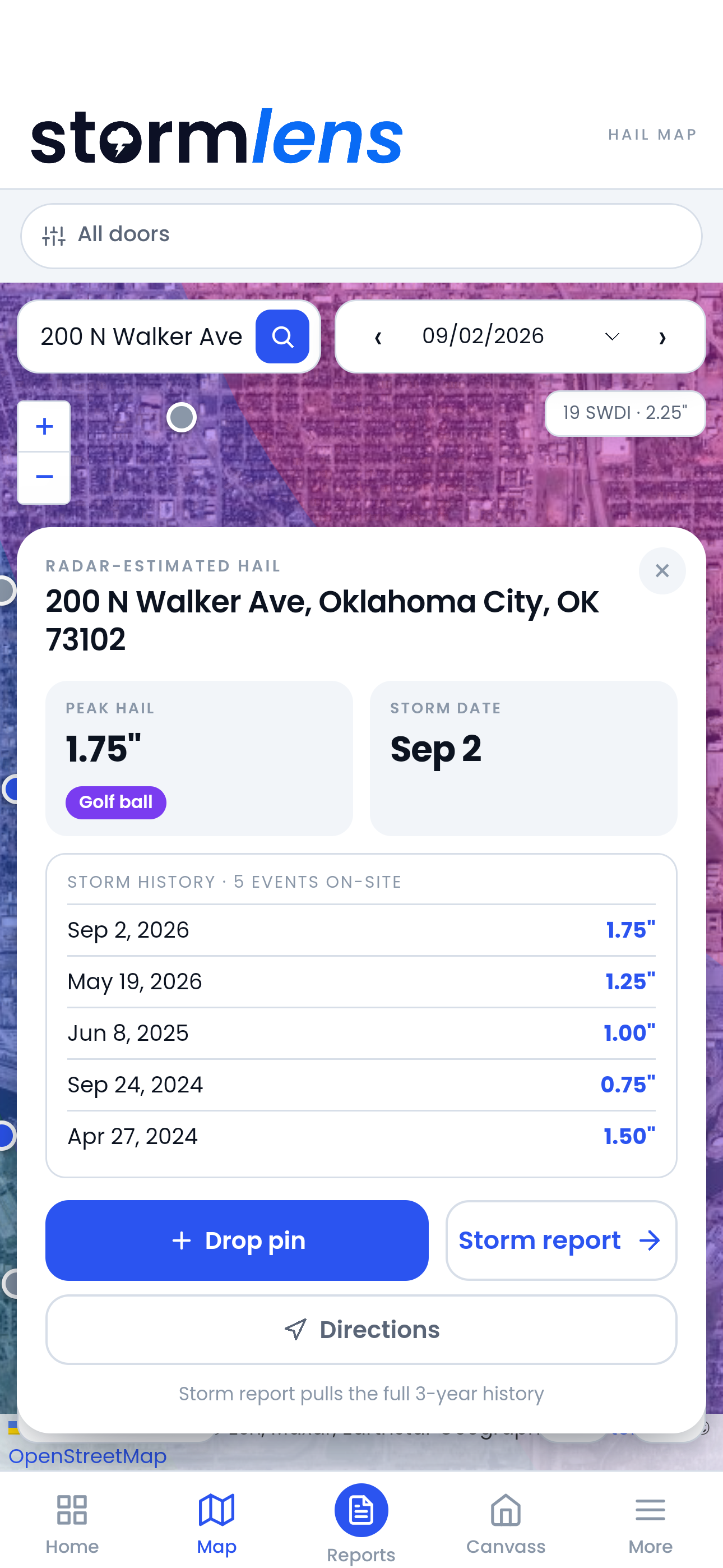
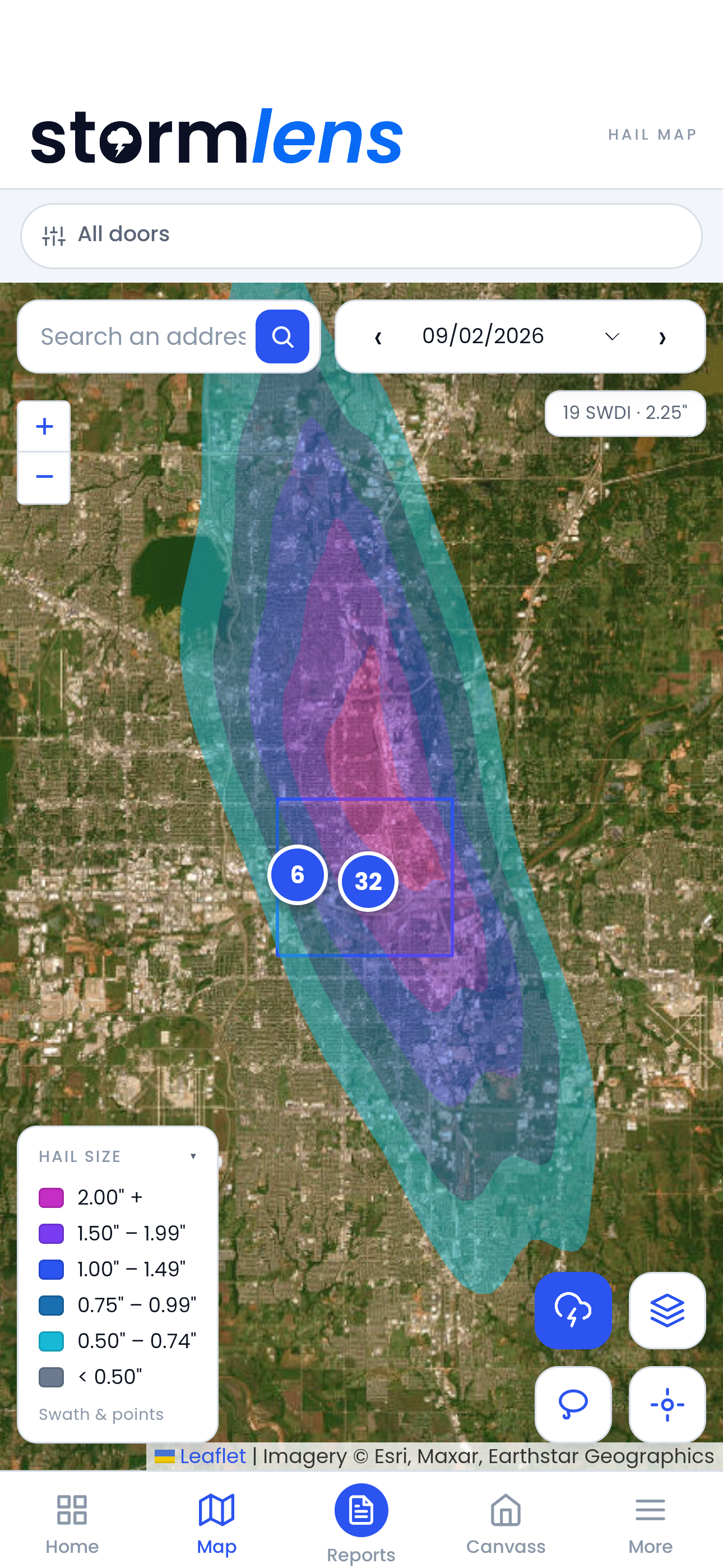
StormLens interactive hail map
Real product. Real data. Not a mockup.
The Data

Real weather data, explained simply

Two kinds of storm data, straight from NOAA, used to back up what you find on-site, never replace it.

Primary

What you found on-site

Your inspection is always the real evidence.

SWDI

Where did radar detect it?

Specific storm detections from National Weather Service radar.

MESH

How big was the hail?

A radar-based estimate of hail size, mapped across the storm.

Backup

What the weather data shows

Adds proof, but never overrules what you saw.

MESH gridded data is available from October 2020 forward. For dates before that, only SWDI point detections are shown.

Storm Impact Report

Pick the report that fits your process

This isn't a mockup. It's a real report, built from real weather data, and fully branded in your colors.

Full Report
Simple Report
Single-Day Report

The complete picture: storm history, maps, and full detail. Best when a claim is being disputed.

Just the key numbers, no maps. Best for quickly attaching to an estimate.

One storm date, checked fast. Best for verifying a specific claim.

[YOUR COMPANY]
HR-20260728-7c41ab9e
DateTimeAt LocationWithin 1miWithin 3miWithin 5mi
04/06/238:52pm0.72"0.86"1.15"1.15"
07/28/268:59pm0.44"0.98"1.46"1.46"
Date of Loss07/28/26
Hail Size at Location0.44"
Max Within 5 mi1.46"
SWDI Detections22
0.44"
MESH hail size at property, 07/28/26
0.98"1 mi
1.46"3 mi
1.46"5 mi
Verified against NOAA/NCEI source data at app.stormlens.org/verify
Storm Projection

More than one report

StormLens is a full tool your team logs into, not just a one-off PDF generator.

Interactive hail map

Browse every storm

An interactive map of every storm. Search any address, scroll through past dates, and see hail size right on the map.

Address watchlist

Get alerted automatically

Watch an address, and get emailed the moment it's hit by hail, checked several times a day.

Report history log

Every report, in one place

A running log of everything your team has generated, searchable by address, type, or rep.

Branding settings

Set your branding once

Upload your logo and pick your colors. It applies to every report your whole team generates from then on.

Team management

Built for a team, not one person

Invite your reps. You see everything they generate, they only see their own.

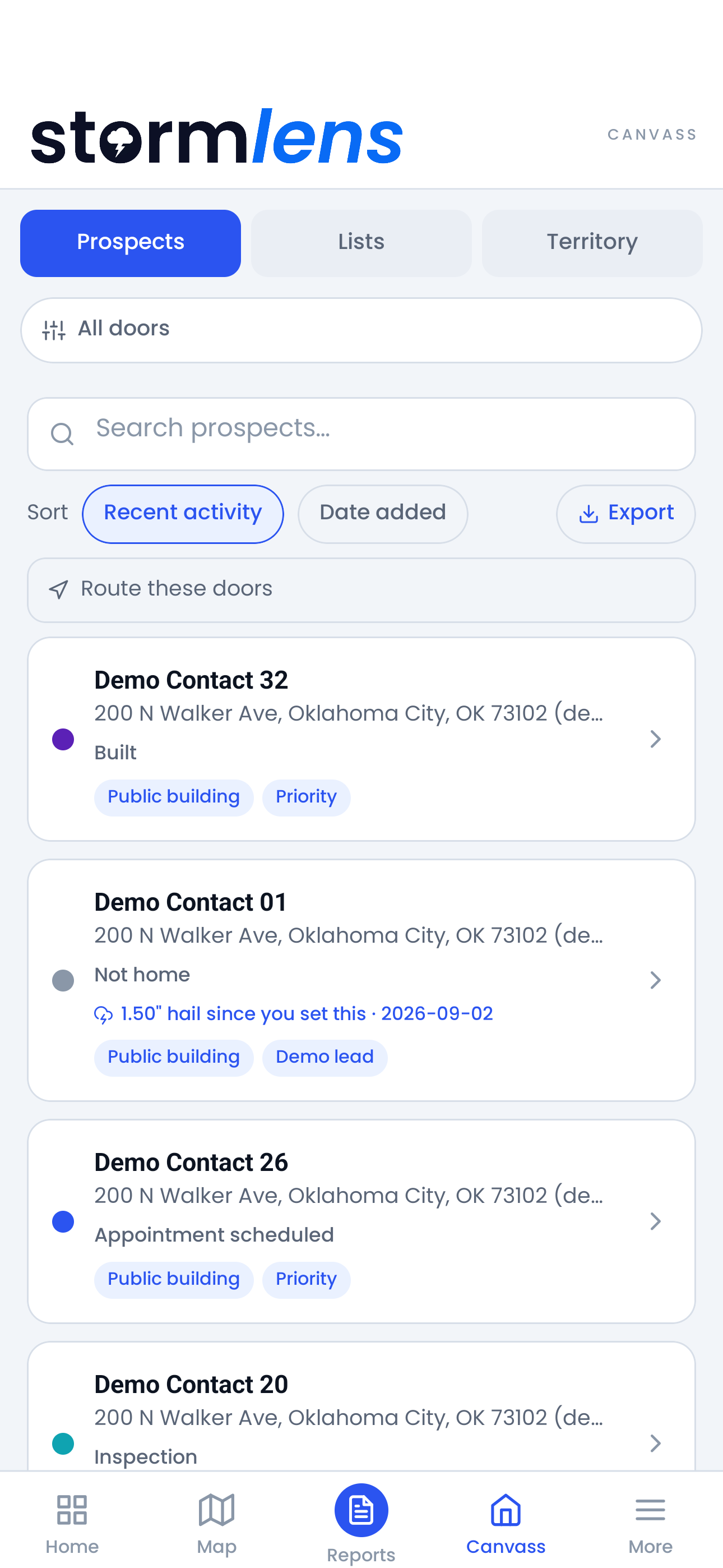
StormLens canvassing map showing on-site hail size for a specific address
Canvassing

Take the data to the door.

A rep drops a pin on a house and instantly sees the real hail size at that exact address — no typing, no lookup, just turn the phone around and show the homeowner.

  • Built for the doorstep. One-handed, long-press to drop a pin, works in bright sunlight.
  • Six status types track every door, visible to the whole team the moment a house is signed.
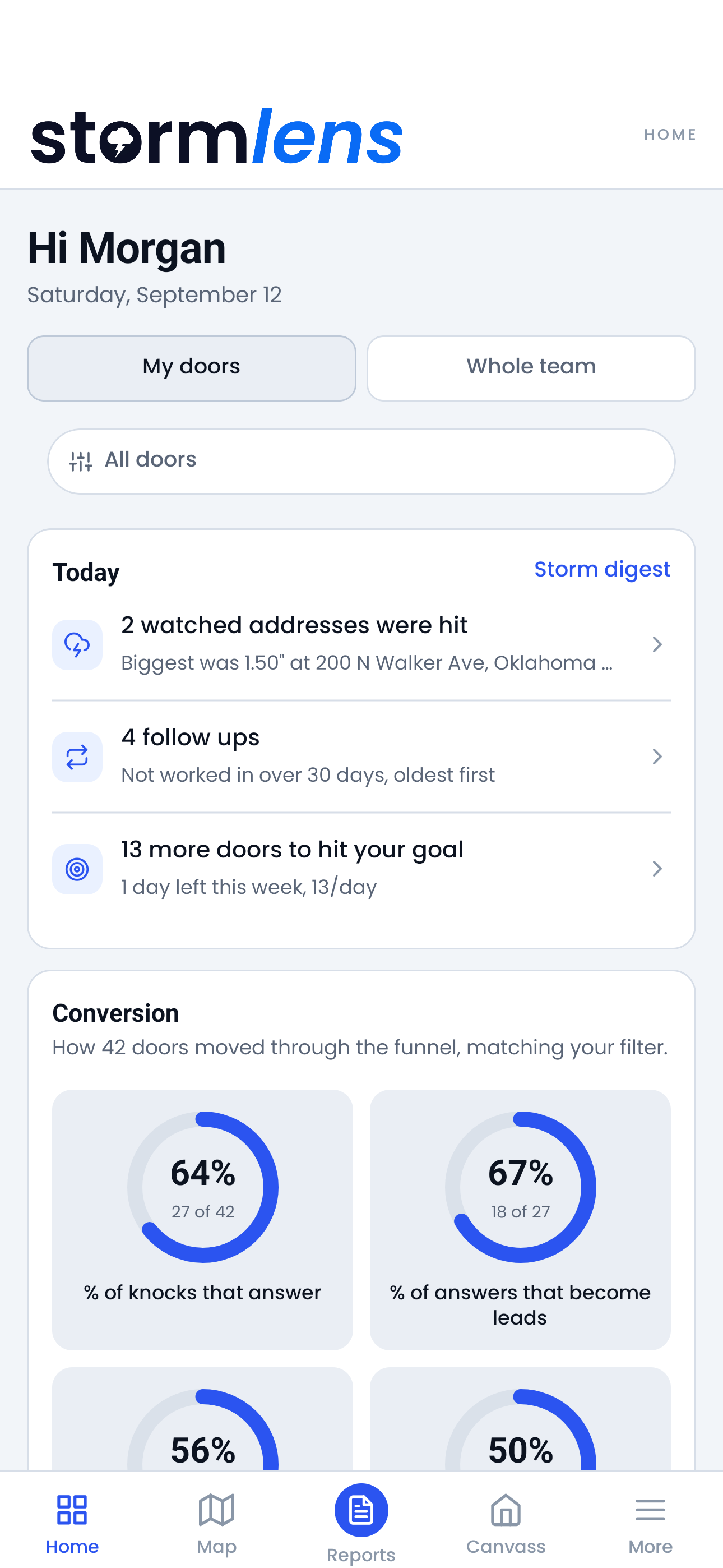
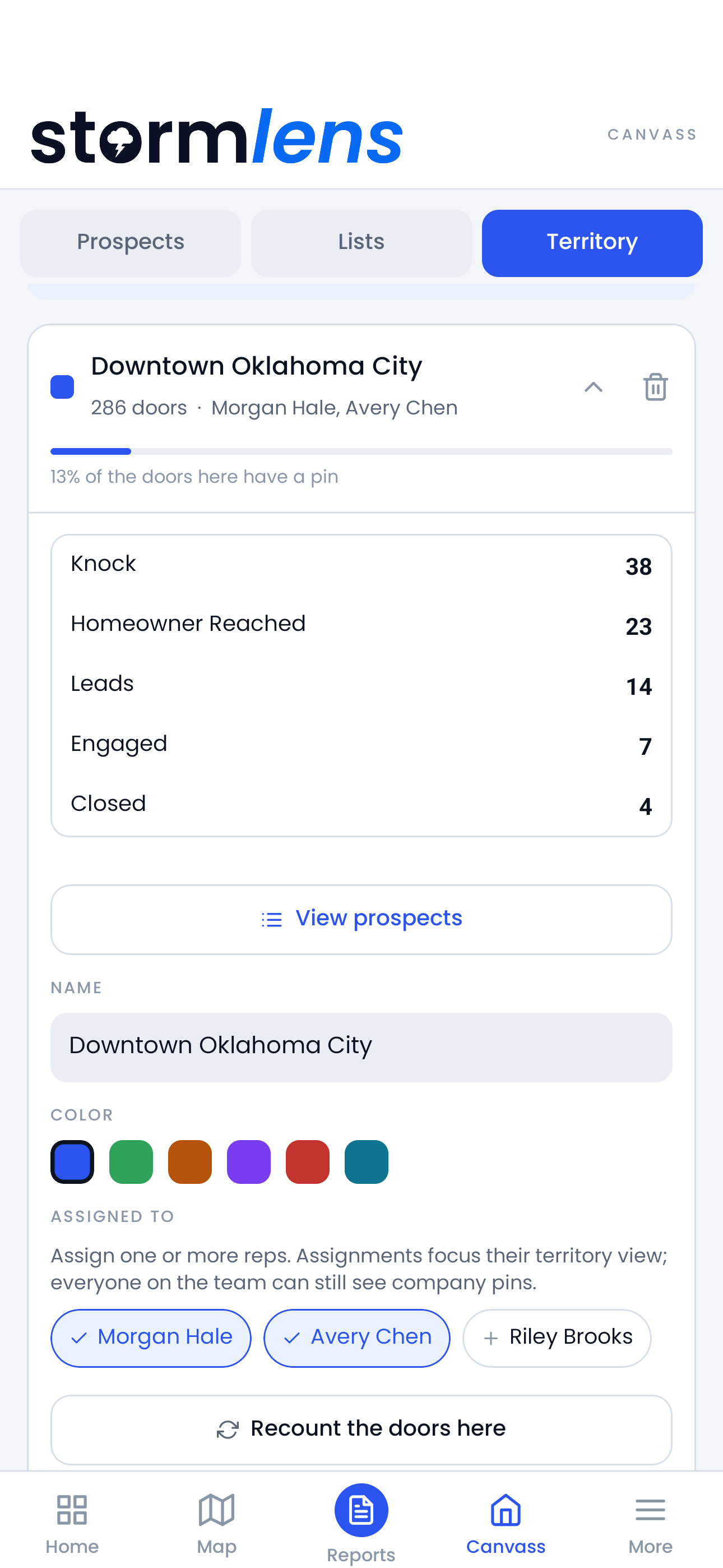
  • A manager dashboard shows doors knocked and status changes, by rep, by day.
See how canvassing works
Built-In Marketing

Leave it behind. Get remembered.

Every report you hand over stays with your customer, with your name on it. Next storm, they remember who showed up with real proof, not just an estimate or an opinion.

It's free advertising that does its job long after you've left the property.

Your logo, your colors, your company name, on every report. The only exception is a small link that lets anyone check the data is real.

Live Preview

How your report header will look

YOUR COMPANY
HERE
NOAA/NCEI RADAR HAIL
COMPILATION
Generic Report

Forgotten in a folder

Feels like something your company bought, not something it made. No reason to remember who sent it.

StormLens Output

Looks like your company made it

Your logo, name, and colors, applied automatically every time.

Brand Settings

What you control

Logo, company name, and colors, set once, applied to every report after that.

Who We Serve

Made for the people building the file

Contractors, adjusters, and forensic inspectors all use storm data differently. StormLens fits into how you already work.

Contractors

Backs up what you present

An estimate on its own can be second-guessed. A branded weather report makes it look like something you built, not something you bought.

  • Your company's name on it, not ours
  • Fits right into the estimate or documentation you're already handing over
  • Gives the homeowner real backup for their own file
Adjusters

Build the file

Public or independent, a file needs more than your word. It needs data behind it.

  • Public: branded weather data for the proof-of-loss packet
  • Independent or carrier: support your coverage determination with real data
  • Every number comes straight from NOAA
Forensic Inspectors

Back up what you saw

An on-site finding presented alone can be questioned, dismissed, or ignored. Branded weather data backs it up, and matches your report, start to finish.

  • Weather data branded to match your own report
  • Backs up your findings, doesn't replace them
  • Public federal data, nothing modeled or guessed
Questions

Before you request access

Does this replace a physical roof inspection?+

No. This backs up your inspection, it never replaces it. What you find on the roof always comes first.

How fast do reports generate?+

Minutes, not days. Reports pull straight from NOAA's public records.

Is this data accepted by insurance carriers?+

StormLens uses public NOAA weather data. It's meant to support your file, not to serve as a legal or coverage decision.

What's included in the branding?+

Your logo, company name, and colors, added to every report automatically. No StormLens branding on the report itself.

How far back does your data go?+

Back to October 2020 for full hail-size data. Earlier storms still show up, just with less detail.

How do I check that a report is real?+

Every report has its own ID and link at app.stormlens.org/verify. Anyone can check it, no login needed.

Get Started

Get proof behind every file

Request access and see StormLens build a report for your next property.

See Pricing